
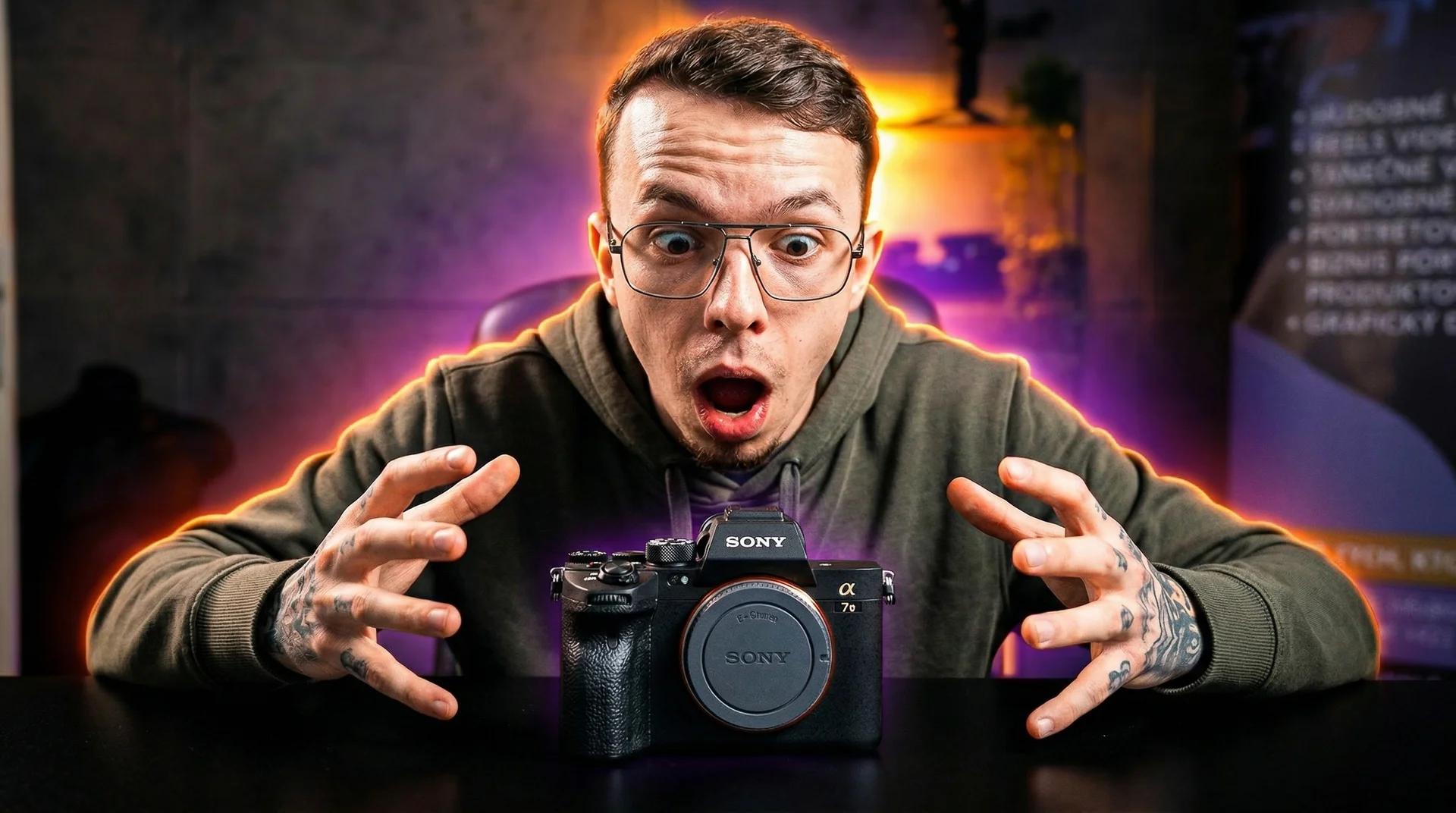
The Sony a7V is here, and after my first days with it I’ll tell you straight how I see it. Don’t expect dry numbers and tables. Instead, I’ll tell you what it’s really like to work with this camera, what pleased me, what surprised me and where it let me down a little.
A body that feels familiar
When you first pick up the a7V, it looks almost identical to the a7 IV. Sony didn’t change the design dramatically, but a few small things have been added. The screen is now 3.2 inches with 2.1 million dots and, above all, a 4-axis mechanism. You can flip it out and rotate it, so it will please vloggers as well as classic photographers who shoot from the hip.
There are now two USB-C ports, so you can stream and power the camera at the same time. Finally there’s a proper full-size HDMI Type A port instead of the annoying micro connector that falls out with every movement. There’s also a 3.5mm microphone input and a headphone output. And the shutter sound? You can set it in seven levels, from completely silent to a classic click.
What annoys me, though, are the hinged port doors. When you have cables connected, they just get in the way and you’re always afraid of snapping them off.
Inside you’ll find two slots: one hybrid CFexpress Type A / SD slot and one SD UHS-II slot. And yes, you still insert the card “the other way round”. If you owned an a7 III, you know what I’m talking about. It doesn’t bother me personally, but be aware of it.
When filming, you’ll appreciate the dual-chamber passive cooling without a fan. In my tests I recorded 4K/60p for two hours straight until the battery died, with no overheating. On top of that, when you switch the camera off, the shutter closes automatically to protect the sensor from dust. When you change lenses in the field, this little detail is worth a lot.
A new sensor that changes the rules
At the heart of the camera is a new 33-megapixel partially stacked sensor. In practice it means one thing: the camera reads data much faster than before. As a result, you can shoot up to 30 frames per second without viewfinder blackout. And according to Photons to Photos tests, the a7V has the best dynamic range ever measured on a full-frame camera — a full 16 stops compared to 15 on the older model.
This is where Sony really excels. The new AI processor tracks subjects like never before. During my test, a person walked between trees and the autofocus tracked them beautifully. Even when something passed in front of their face, the camera held on reliably. You get 759 phase-detection points covering about 94% of the frame, and the AI recognises people, animals, birds, insects, cars, trains and planes. A bonus is the Pre-Capture feature, which saves frames up to a second before you press the shutter button. It’s a big help when photographing storms.
Video — the reason you’re here
And now the main thing: video. Because I know this is what most of you are most interested in.
Let’s start with rolling shutter, which Sony has finally solved. If you’ve used an older Sony, you know that strange “jelly” effect when you pan quickly. The new sensor reads out the image in roughly 10 milliseconds, similar to the professional FX3 cinema camera. You’ll feel the difference compared to the a7 IV immediately.
Next, we have 4K without a crop. The older model cropped the image at the smoother 60 frames, so you suddenly saw less. The a7V gives you a full 60 frames without cutting anything off the image. What’s more, 4K60 is downsampled from 7K, so you get really sharp footage. If you want slow motion, 4K 120p is available too, but with an APS-C crop (1.5x). For run-and-gun situations that’s more than enough, and Full HD goes up to 240 frames.
Video autofocus remains an area where Sony traditionally shines, and the a7V continues that tradition. You rarely need to adjust the settings — it just works. Stabilisation has also improved, now up to 7.5 stops at the centre of the frame. Handheld footage looks smoother, with less micro-jitter. Be aware, though, that IBIS alone without digital assistance isn’t perfect. Active Mode helps and Dynamic Active Mode even more, but you pay for it with a crop.
For filming you’ll also appreciate S-Log3 and S-Cinetone for flexible color grading, support for custom LUTs with an in-camera preview, and a second base ISO of 8000 for S-Log3, which is great in low light.
The menu and practical details
You know the menu — it’s classic Sony. If you’ve used the a7R V or newer models, you’ll feel right at home. You can customise everything and save your own settings.
If you’re coming from the a7 III, watch out for one thing: it’s not enough to change the Picture Profile — you also have to enable Log recording in the menu. In return, you can then easily load your own LUTs. Add Wi-Fi 6E and Bluetooth for faster photo transfer, battery life of around 750 shots for a full day, and a mechanical shutter rated for 500,000 cycles.
One catch to finish
One thing may cause you trouble. Lightroom doesn’t fully support a7V RAW files yet — the uncompressed ones in particular cause problems. So if you edit straight away, you may have to wait a while for an update. Imaging Edge Desktop, on the other hand, handles them without any problems.
So how do I see it?
Overall, the Sony a7V is an excellent hybrid camera. Don’t expect a revolution, rather a solid evolution. The new sensor solves exactly the problems that troubled the older models. The autofocus works reliably and the video quality stays at a high level.
If you own an a7 III and are thinking about upgrading, now is the right moment. If you have an a7 IV, consider whether you miss the speed and the better rolling shutter.
Let me know what you’re interested in. I’ll gladly shoot a more detailed video on a specific topic. Next time we’ll compare the a7V with the a7 III, and a full review is coming soon, so don’t forget to subscribe.